5 Free AI Tools That Can Help You Earn Extra Income in 2026 (No Tech Skills Needed)
Let’s be honest: Everyone wants to make extra money these days. But most “make money online” advice either requires skills you don’t have or tools that cost more than your monthly salary.
Here’s the good news: AI has changed the game.
You don’t need to be a tech expert or spend thousands of rupees to get started. In fact, some of the best AI tools are completely free.
I’ve tested dozens of AI tools so you don’t have to. Here are 5 free AI tools you can start using TODAY to earn extra income—whether you’re a student, stay-at-home parent, or just looking for a side hustle.
Qwen3.6
Meet Qwen3.6: The AI Behind This Post (And How You Can Use It Too)
👋 What Can Qwen3.6 Do For You?
- ✅ Answer questions in simple, easy-to-understand language (no tech jargon!)
- ✅ Write content like blog posts, emails, social media captions, and scripts
- ✅ Explain complex topics in Urdu/English for Pakistani readers
- ✅ Brainstorm ideas for side hustles, business, or personal projects
- ✅ Help you learn new skills step-by-step, at your own pace
Best part? You don’t need to be a tech expert to use me. If you can type a question, you can get helpful answers.
1. ChatGPT (Free Version) – Your 24/7 Writing Assistant
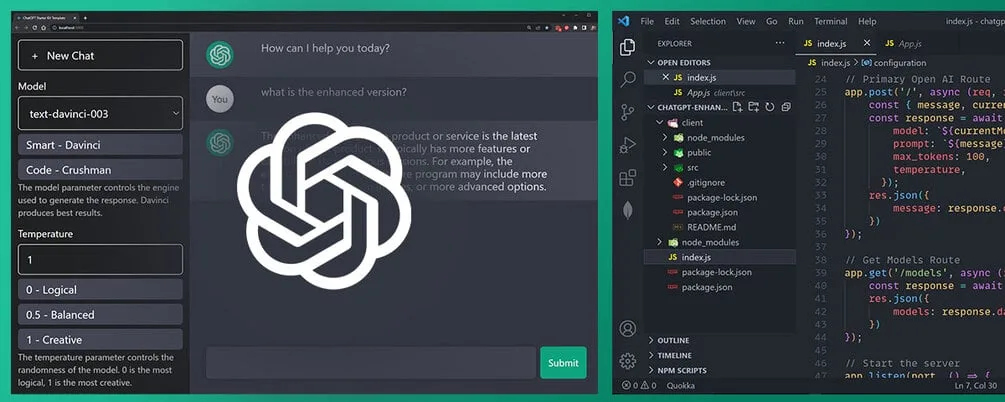
What it does: Writes content, emails, scripts, and ideas in seconds.
How to make money with it:
- Freelance writing: Offer blog posts, social media captions, or product descriptions on Fiverr or Upwork
- Resume writing: Help job seekers polish their CVs (charge Rs. 500-2000 per resume)
- Content creation: Start a Facebook page or blog and monetize with ads
Real example: A friend in Lahore started offering “AI-assisted blog writing” services. She charges Rs. 1,500 per article and completes 3-4 articles daily using ChatGPT for research and first drafts.
📸 Visual Guide – Step by Step:
Step 1: Go to chat.openai.com and create a free account
Step 2: Click “New Chat” and type your request, like:
- “Write a blog post about healthy eating habits”
- “Create 10 Instagram captions for a clothing brand”
- “Help me write a professional resume”
Step 3: Review and edit the AI-generated content to add your personal touch
Step 4: Deliver to your client or publish on your platform
Get started: chat.openai.com
2. Canva AI – Design Without Being a Designer
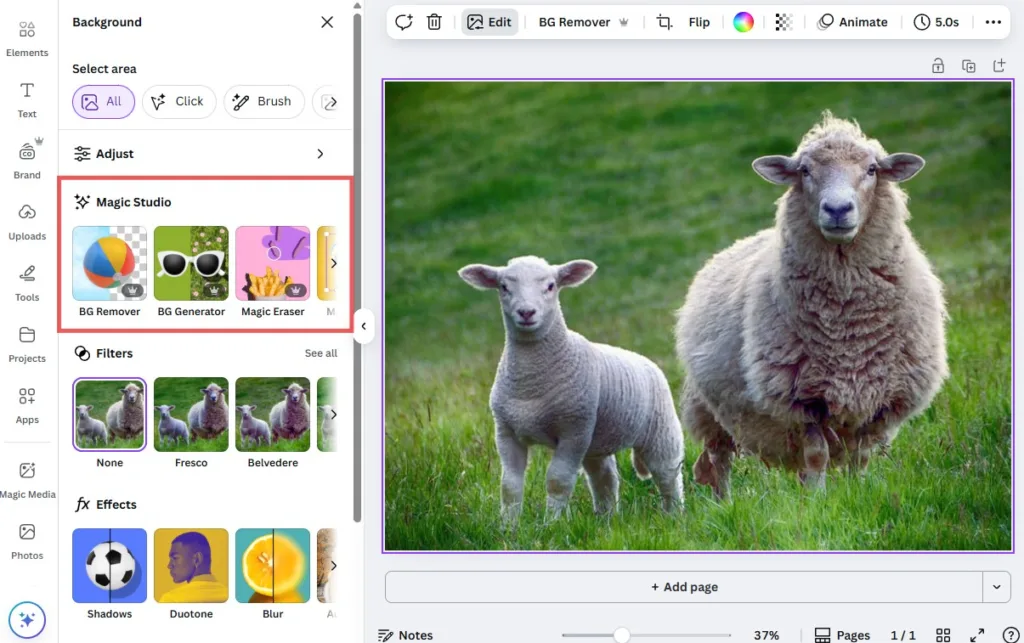
What it does: Creates professional graphics, logos, and social media posts using AI.
How to make money with it:
- Social media management: Manage Instagram/Facebook accounts for small businesses (charge Rs. 5,000-15,000/month per client)
- Thumbnail design: Create YouTube thumbnails for creators
- Wedding/event invitations: Design custom cards and sell on Facebook groups
Real example: My cousin in Karachi learned Canva in one weekend. She now designs wedding invitations for Rs. 2,000-5,000 per order and gets 4-5 orders weekly during wedding season.
📸 Visual Guide – Step by Step:
Step 1: Sign up at canva.com (free account)
Step 2: Click “Create a design” and choose your format (Instagram post, YouTube thumbnail, etc.)
Step 3: Use “Magic Design” AI feature – just type what you want, like “Instagram post for Eid sale”
Step 4: Customize colors, text, and images using the drag-and-drop editor
Step 5: Download your design and deliver to client or post on social media
Get started: canva.com (Free version has plenty of features)
3. Google Gemini – Research & Idea Generator
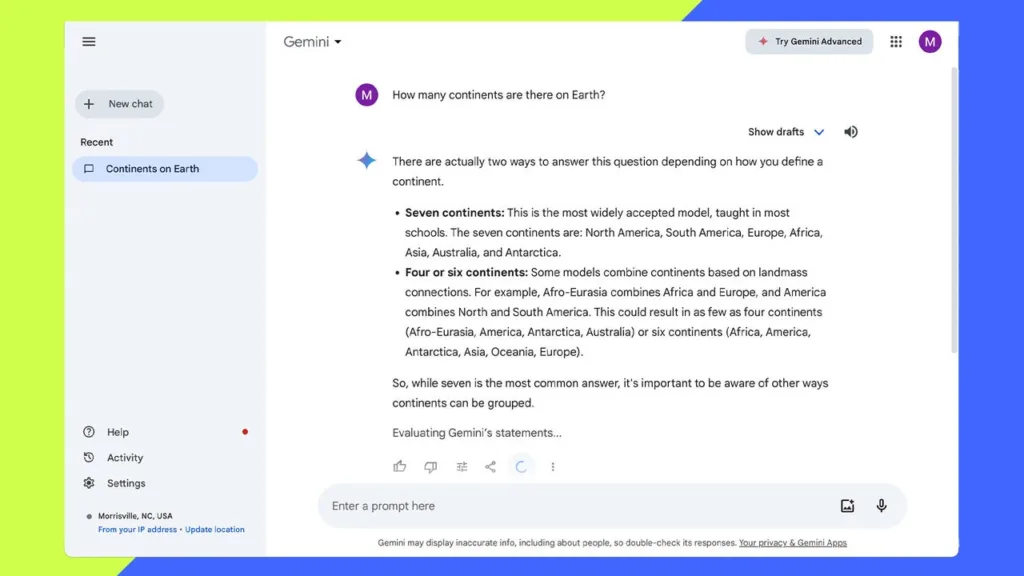
What it does: Answers questions, summarizes information, and generates ideas faster than traditional Google searches.
How to make money with it:
- Online tutoring: Use it to prepare lesson plans and explanations for students
- Market research: Offer research services to businesses launching new products
- YouTube scripts: Research and write video scripts for content creators
Pro tip: Combine Gemini with ChatGPT—use Gemini for research and fact-checking, then ChatGPT to write the final content.
📸 Visual Guide – Step by Step:
Step 1: Visit gemini.google.com and sign in with your Google account
Step 2: Type your research question, like:
- “What are the latest trends in Pakistani e-commerce?”
- “Summarize the benefits of remote work for businesses”
- “Give me 10 YouTube video ideas about cooking”
Step 3: Review the AI’s response and ask follow-up questions for more details
Step 4: Use the information to create reports, lesson plans, or content
Get started: gemini.google.com
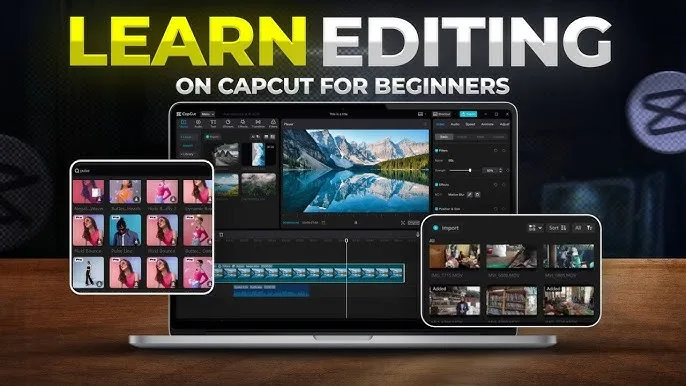
4. CapCut (AI Features) – Video Editing Made Simple
What it does: Auto-edits videos, adds captions, removes backgrounds, and applies effects automatically.
How to make money with it:
- TikTok/Reels editing: Edit short videos for influencers and businesses (charge Rs. 500-2,000 per video)
- Wedding video highlights: Create 1-2 minute highlight reels for weddings
- Product demo videos: Help small sellers create engaging product videos for social media
Real example: A university student in Islamabad charges Rs. 1,000 per Instagram Reel edit. He completes 2-3 videos daily using CapCut’s AI auto-caption and template features.
📸 Visual Guide – Step by Step:
Step 1: Download CapCut app (free on Android/iOS) or use desktop version
Step 2: Tap “New Project” and import your video clips
Step 3: Use AI features:
- Auto Captions: Automatically add subtitles to your video
- Templates: Choose from trending templates for quick editing
- Background Remover: Remove video backgrounds with one click
Step 4: Add music, text, transitions, and effects
Step 5: Export in HD quality and share with client or post online
Get started: Download CapCut (free on Android/iOS)
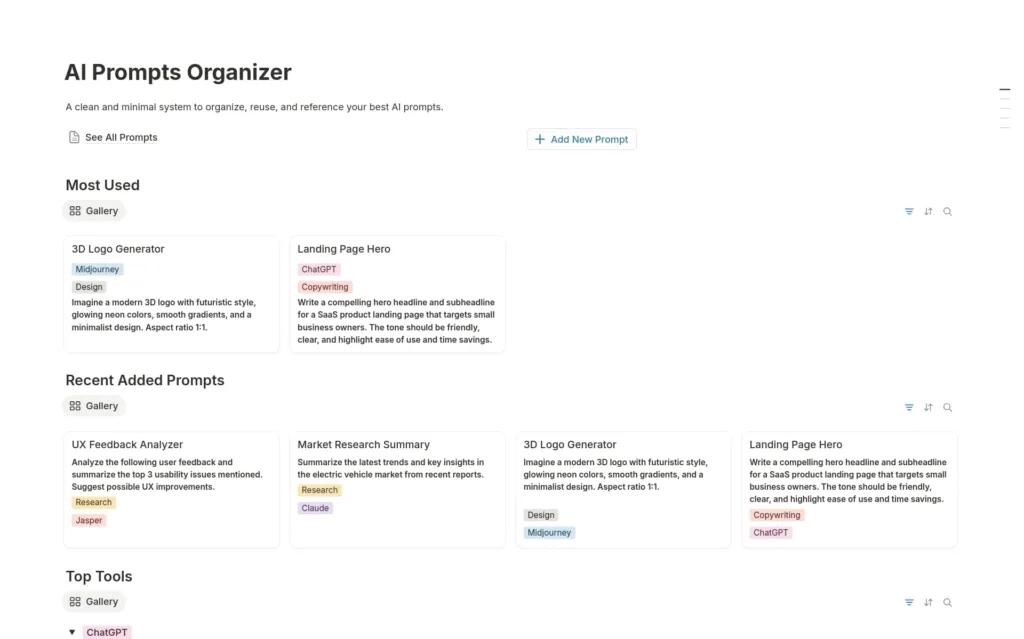
5. Notion AI (Free Trial + Free Plan) – Organize & Sell Templates
What it does: Helps you create organized workspaces, notes, and productivity systems.
How to make money with it:
- Sell Notion templates: Create budget trackers, study planners, or business dashboards and sell on Etsy or Facebook groups
- Productivity coaching: Help people set up their Notion workspace (charge Rs. 2,000-5,000 per session)
- Student planners: Create exam study schedules and sell to students before exam season
Real example: Someone in Pakistan created a “Freelancer Income Tracker” Notion template and sells it for $5 (around Rs. 1,400) on Gumroad. They’ve made over $500 in passive income.
📸 Visual Guide – Step by Step:
Step 1: Sign up at notion.so (free plan available)
Step 2: Create a new page and click “Ask AI” to start using Notion AI
Step 3: Build your template:
- Type “/table” to create databases
- Use AI to generate content: “Create a monthly budget tracker”
- Add formulas and automations
Step 4: Test your template and make it user-friendly
Step 5: Duplicate and sell on platforms like Gumroad, Etsy, or Pakistani Facebook groups
Get started: notion.so
🚀 How to Get Started THIS WEEK
Don’t overthink it. Just pick ONE tool and follow this plan:
Day 1-2: Learn the basics (watch 2-3 YouTube tutorials)
Day 3-4: Practice by creating 3-5 sample projects
Day 5: Share your work on Facebook groups or WhatsApp status
Day 6-7: Offer your first service at a discounted rate to build testimonials
Remember: Your first client won’t care if you’re an expert. They care if you can solve their problem.
💡 Important Reality Check
These tools won’t make you rich overnight. But they WILL:
- ✅ Save you hours of work
- ✅ Help you deliver professional results
- ✅ Give you confidence to start charging for your skills
The people making money aren’t necessarily the most talented—they’re the ones who started first and kept going.
🔥 Your Next Step
Pick ONE tool from this list right now.
Not tomorrow. Not “when you have time.” Today.
Spend 30 minutes exploring it. Watch one tutorial. Create one test project.
That’s how every successful freelancer started.
Which tool are you going to try first? Drop a comment below or share this post with someone who needs a side hustle! 💪
P.S. Want more practical guides like this? Bookmark to NAJIAPP for weekly tips on making money online, tech tutorials, and productivity hacks—written in simple Urdu/English for Pakistani readers.
