Let’s Start Python Programming for Beginners to Advanced. Error Handling, Lectures 13
🐍 Lecture 13: Error Handling
🎯 Goal
By the end of this lecture, you will:
- Understand what errors are and why they happen.
- Be able to use
tryandexceptto catch and handle errors. - Know how to write programs that don’t crash when something goes wrong.
- Build a simple program that handles user input safely.
🧠 What Are Errors?
Sometimes, your code might run into a problem, like trying to divide by zero or asking for a number but getting a word instead.
These problems are called errors, and Python usually stops running your program when it finds one.
But with error handling, we can prepare for these mistakes and tell Python what to do if they happen.
🧠 Think of error handling like training wheels on a bike — it helps your program stay upright even when something goes wrong!
🔁 Using try and except
We use the try and except blocks to catch errors and respond to them gracefully.
Syntax:
try:
    # Try to do something
except:
    # If there's an error, do this instead
Example:
try:
    x = int(input("Enter a number: "))
    print(10 / x)
except:
    print("Something went wrong!")
👉 This will handle any error, like if the user types a word instead of a number or tries to divide by zero.
❗ Specific vs General Error Handling
You can also handle specific errors:
Example: Handle Division by Zero
try:
    x = int(input("Enter a number: "))
    print(10 / x)
except ZeroDivisionError:
    print("You can't divide by zero!")
Example: Handle Invalid Input
try:
    x = int(input("Enter a number: "))
    print(10 / x)
except ValueError:
    print("That's not a valid number!")
You can even combine multiple exceptions:
try:
    x = int(input("Enter a number: "))
    print(10 / x)
except ValueError:
    print("Please enter a valid number.")
except ZeroDivisionError:
    print("You can't divide by zero.")
✅ The else and finally Clauses
You can also use else and finally with try-except.
elseRuns only if no errors occurred.finallyAlways runs at the end, whether there was an error or not.
try:
    num = int(input("Enter a number: "))
    result = 100 / num
except ValueError:
    print("That's not a number!")
except ZeroDivisionError:
    print("Can't divide by zero!")
else:
    print("Result:", result)
finally:
    print("Thank you for using the calculator!")
🧪 Try It Yourself!
Write a program that:
- Asks the user to enter their age.
- Converts it to an integer.
- Prints a message like
"You are X years old." - Handles invalid input gracefully.
💡 Sample Code:
try:
    age = int(input("Enter your age: "))
    print(f"You are {age} years old.")
except ValueError:
    print("That's not a valid age. Please try again.")
🚀 Challenge (Optional)
Make a safe calculator that keeps asking for numbers until valid input is given.
Example:
while True:
    try:
        num = int(input("Enter a number: "))
        print("Your number squared is:", num ** 2)
        break
    except ValueError:
        print("Invalid input! Please enter a number.")
This loop keeps running until the user enters a valid number.
🧒 Kids Corner
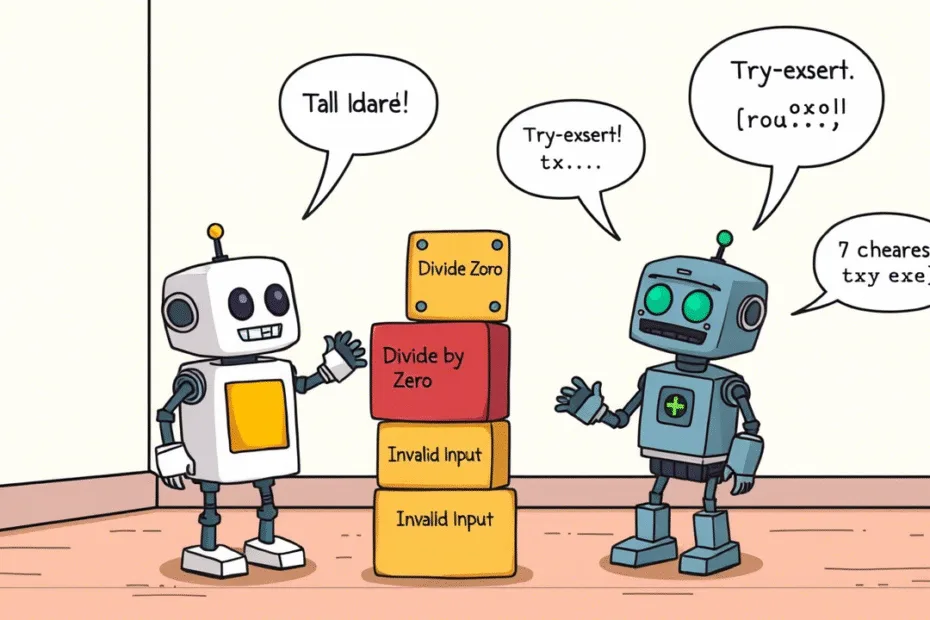
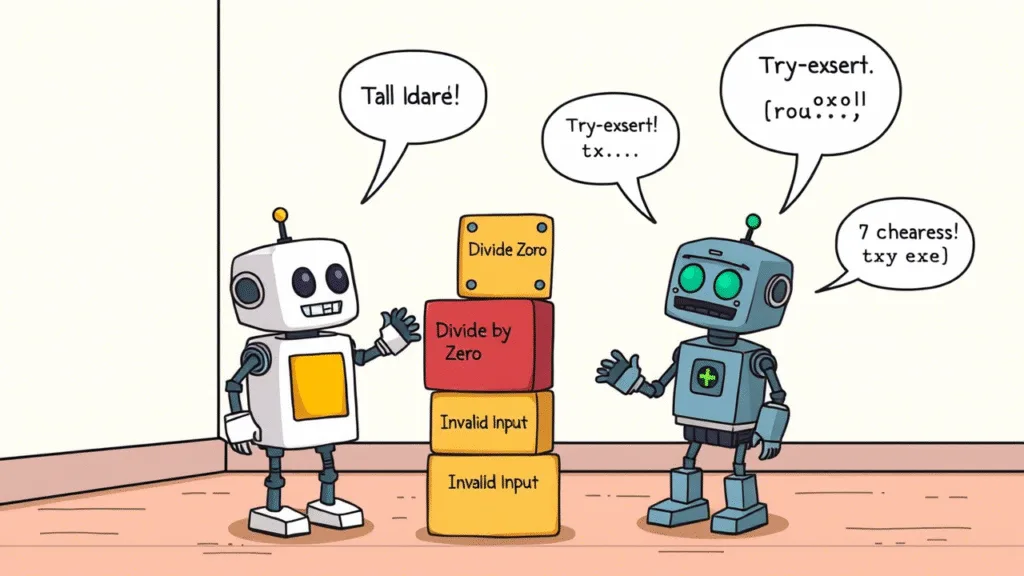
🤖 Imagine your robot friend sometimes gets confused, like when you ask it to eat a cloud or count invisible apples.
With error handling, you’re teaching your robot how to say:
“Oops! That didn’t work. Let me try again!”
📌 Summary
- Use
tryandexceptto catch errors in your program. - You can handle different types of errors separately.
- Use
elsefor code that should only run if no errors happened. - Use
finallyfor cleanup or final messages. - Error handling makes your programs more robust and user-friendly.
Stay Updated
If you found this information useful, don’t forget to bookmark this page and Share and leave your feedback in the comment section below.
Python Programming For Beginners To Advanced
Python Programming For Beginners! Lecture 1
Python Programming! Variables and Data Types | Lectures 2
Python Programming! Input And Output | Lectures 3
Python Programming! Operators in Python Lectures 4
Python Programming! Conditional Statements Lectures 5
Python! Loops For and While | Lectures 6
Python! Building A Mini Game | Lectures 7
Python! Functions | Lectures 8
Python! Storing Multiple Values | Lectures 9
Python! Tuples Sets And Dictionaries | Lectures 10
Python! Working with Strings | Lectures 11
Python Programming! File Handling | Lectures 12
Python Programming! Error Handling | Lectures 13
Python! Modules And Packages | Lectures 14